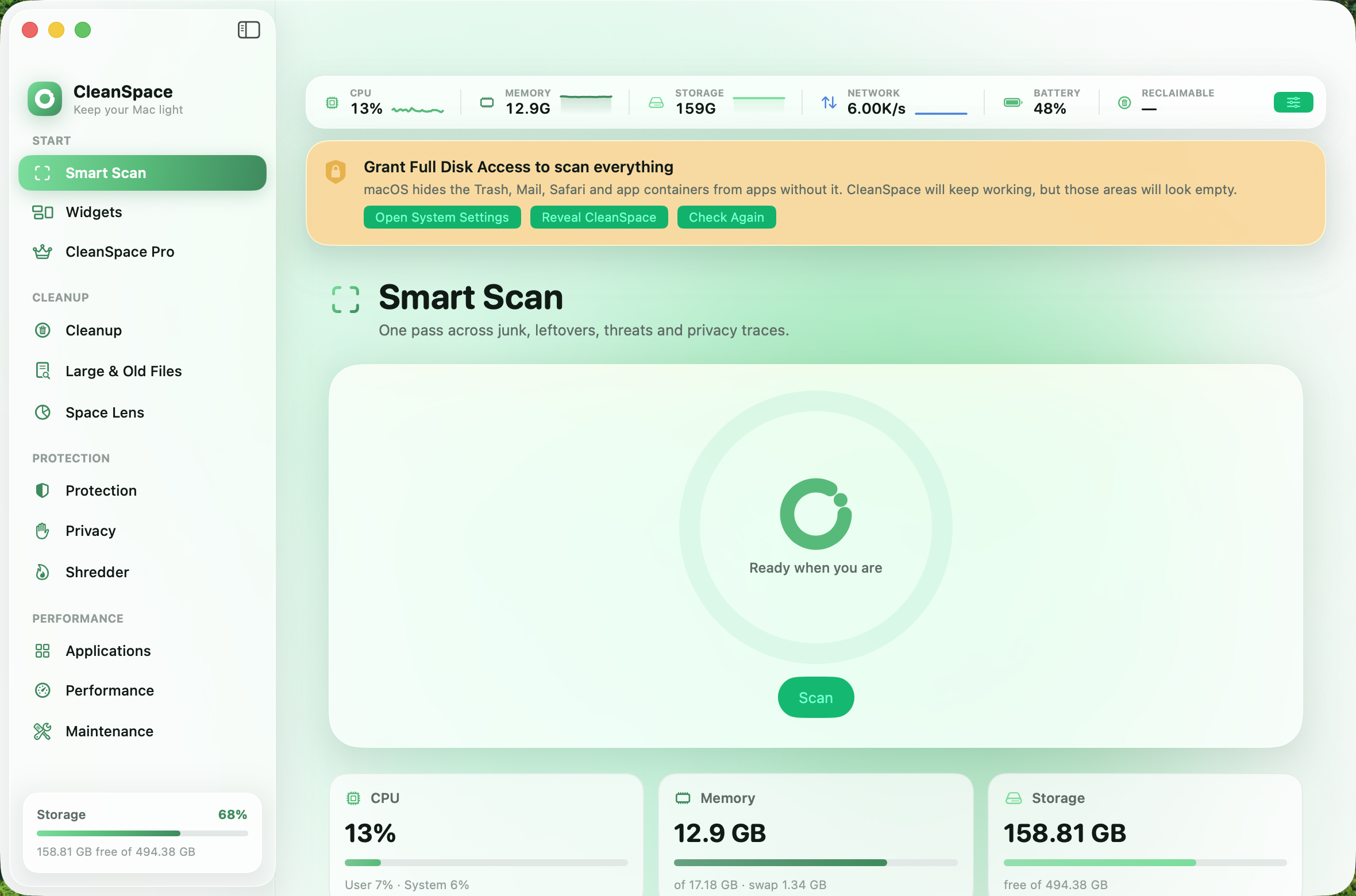
Smart Scan
One pass across junk, leftovers, threats and privacy traces, with a single total for what can be reclaimed.
CleanSpace finds caches, logs, leftovers, adware and forgotten downloads — then shows you exactly what it found before it touches anything. Scanning is free and the numbers are real.
Free to scan·$10 a year or $25 for life·macOS 26 Tahoe, Apple silicon
Real screenshots, not mockups.
Everything scans for free and shows the full detail. You decide what goes.
One pass across junk, leftovers, threats and privacy traces, with a single total for what can be reclaimed.
User and system caches, logs, saved application state, Xcode derived data, package-manager caches, the Trash on every mounted volume, and Mail attachments.
Files over 50 MB you haven't opened in six months, grouped by kind. Nothing here is ever preselected.
A treemap of where your disk actually went, with drill-down and reveal in Finder. Map your home folder, Applications, or the whole disk.
Signature scan for documented adware and browser-hijacker families, plus a heuristic pass that flags launch items behaving like persistence.
Browsing history and cookies across Safari, Chrome, Brave, Edge, Arc and Firefox, plus recent-item lists and the download log.
Removes an app together with every support file, cache, container, preference and launch agent it owns — listed in full before anything happens.
Live CPU, memory, network and battery, the heaviest processes, and every login item and launch agent with a switch to turn it off.
Free purgeable memory, flush DNS, reindex Spotlight, rebuild Launch Services, repair home permissions, compact the Mail index, thin snapshots, verify the disk.
A cleaner is only as good as the things it declines to touch. Every deletion in CleanSpace passes through a single gate, and an unrecognised path is refused rather than permitted.
/System, /bin, /usr, keychains and security stores are refused outright.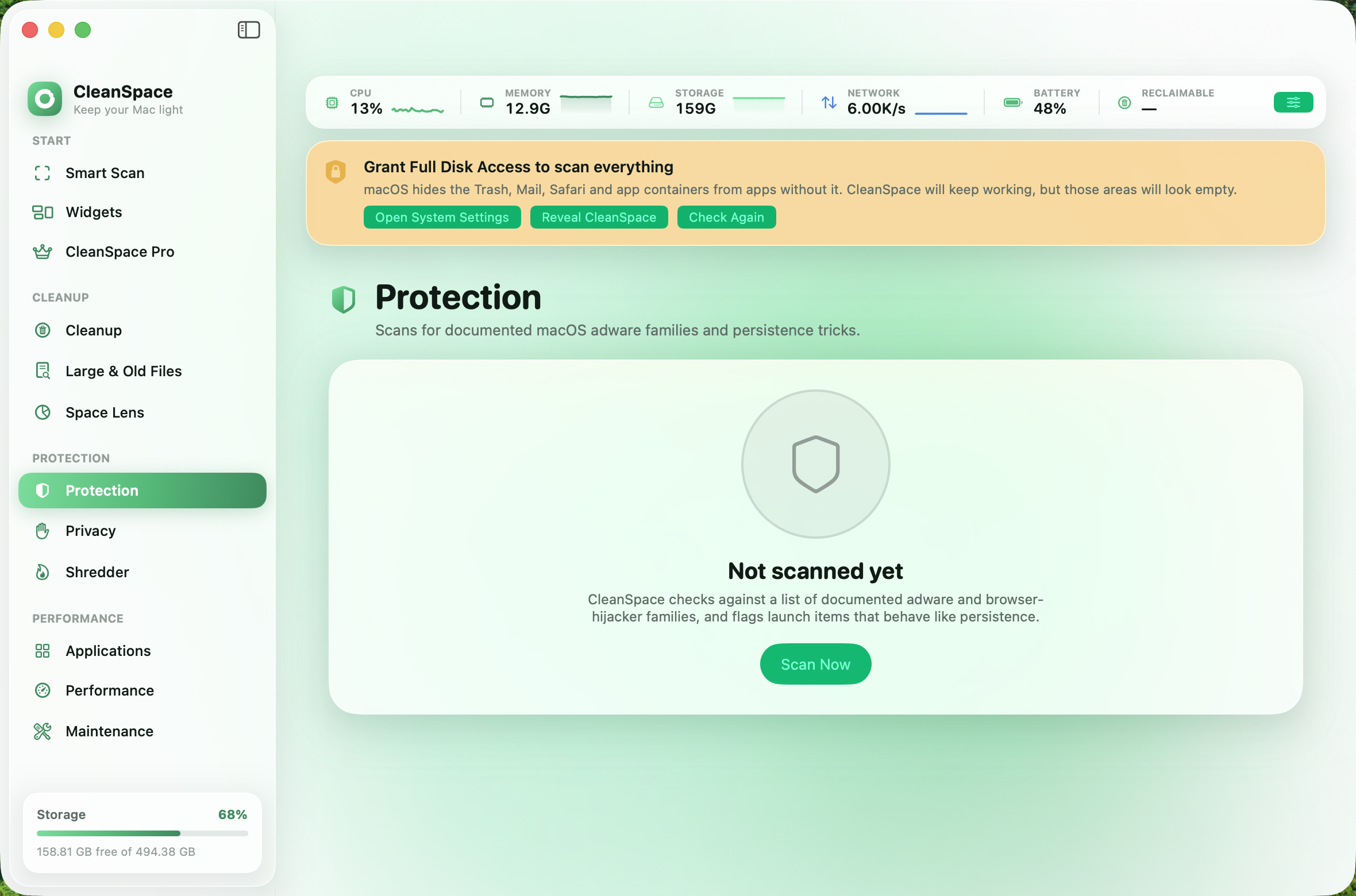
CleanSpace decides what counts as junk using rules, not predictions — and it does the deciding on your Mac. Nothing about your files is uploaded, and there is no account to make.
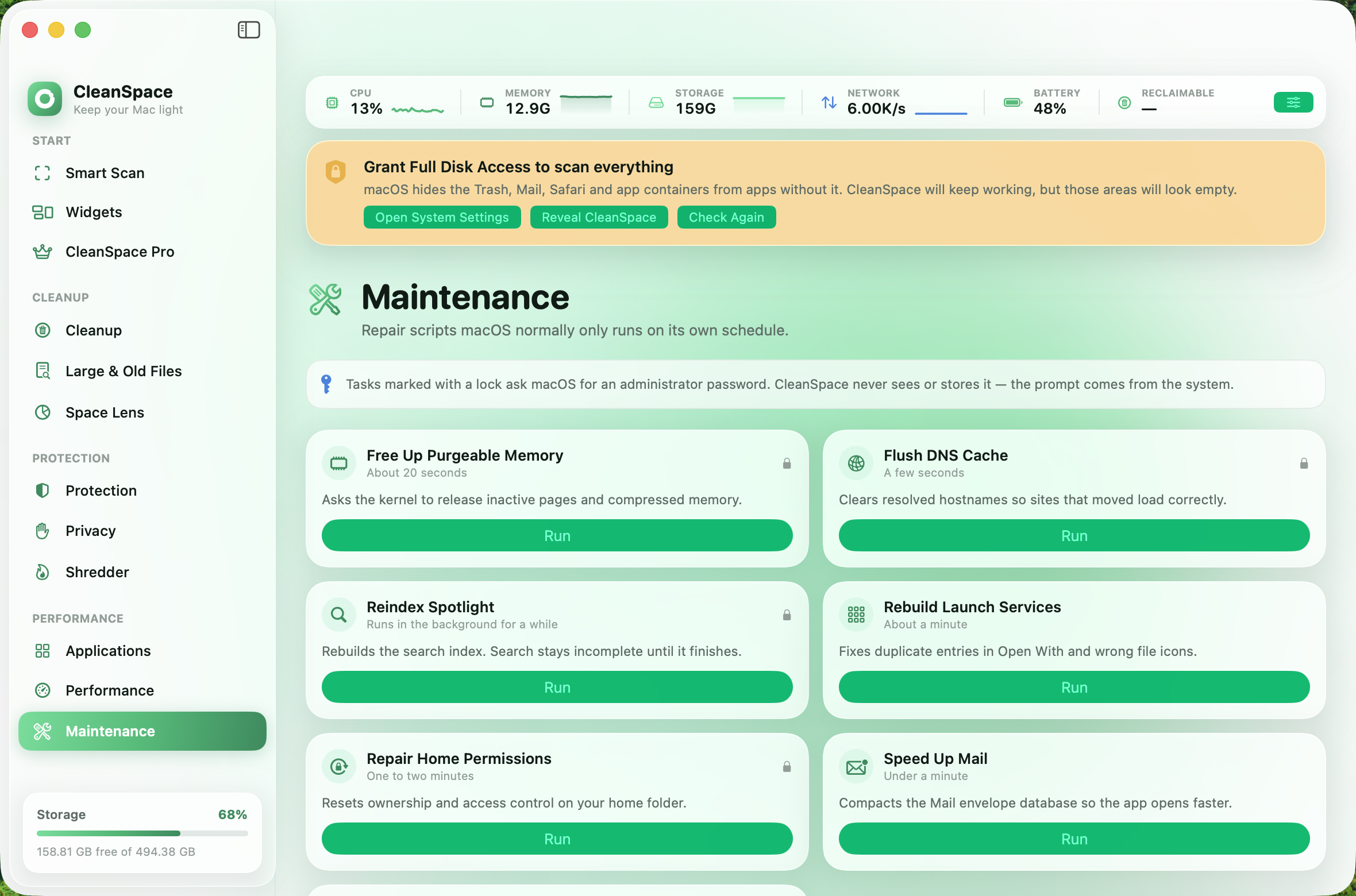
CPU, memory, storage, network and battery read from one sampling loop and appear in four places at once, so they can never disagree with each other.
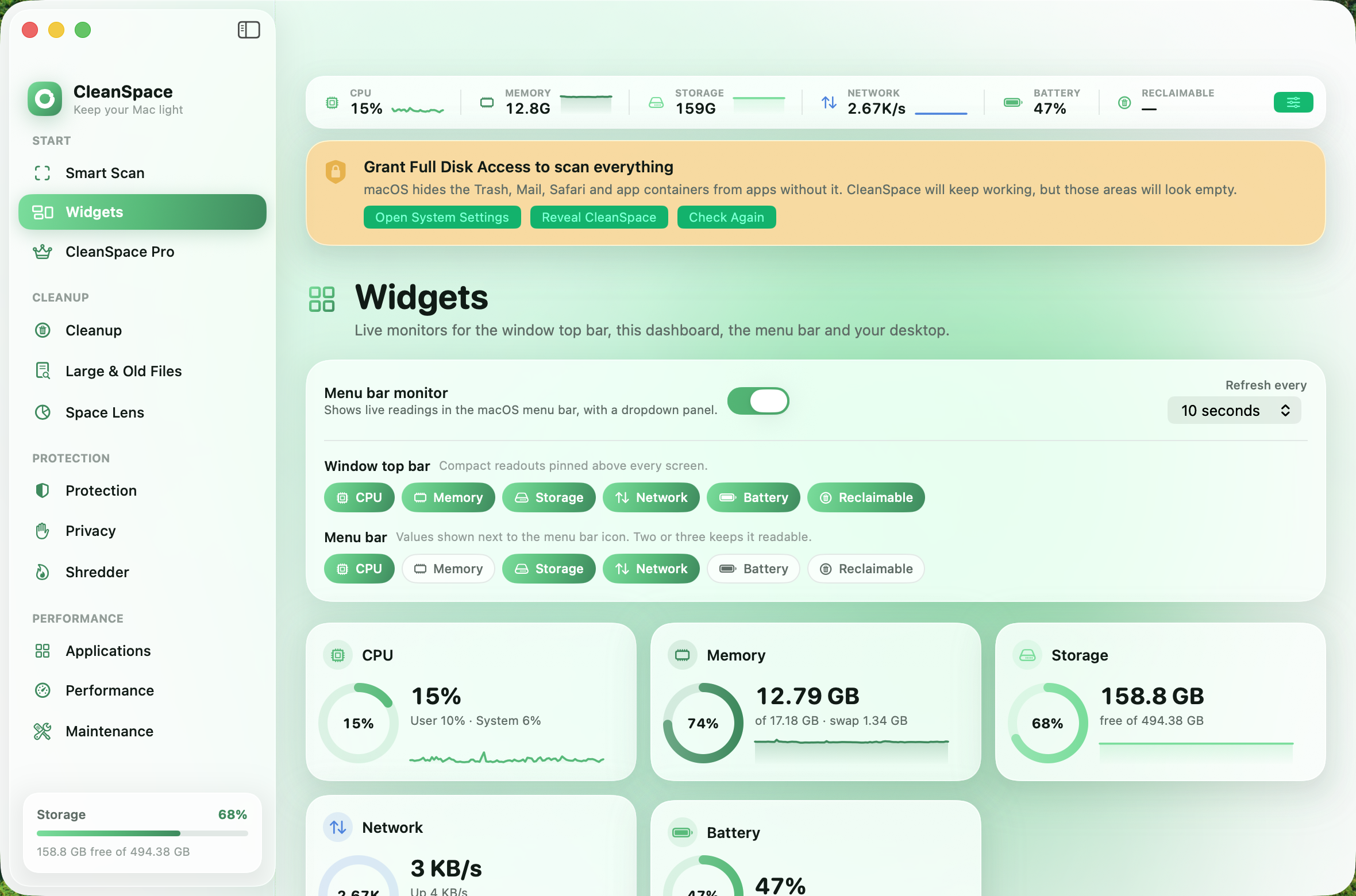
Scanning is free forever and shows everything at full detail. You also get 500 MB of cleaning before anything is asked of you, so you can watch it work before paying.
$10 per year
Renews once a year. Cancel by simply not renewing.
$25 one time
Two and a half years' worth, then it never costs anything again.
Licences are sold per Mac. You buy here, then paste the activation key into the app once — it binds to that Mac and works offline from then on.
Every scan, at full detail, forever — Smart Scan, Cleanup, Large & Old Files, Space Lens, Protection and Privacy all show you exactly what they found. The live monitors, widgets, menu bar readout and all the maintenance tasks are free too. You also get 500 MB of cleaning. Paying removes the size cap and unlocks the Uninstaller and the Shredder.
macOS hides the Trash, Mail, Safari and other apps' containers from applications that do not have it. Without that permission a scan would quietly report far less than is really there. CleanSpace tells you when the permission is missing instead of pretending the areas are empty.
It is built to make that hard. System directories, your personal folders and live data like iCloud Drive and Messages are refused outright, anything risky stays unticked until you choose it, and removal goes to the Trash by default so a mistake can be undone. You can also switch to permanent deletion if you would rather.
One, and it is not transferable. The licence is tied to the hardware of the Mac it was bought on, so a second Mac needs a second licence. Because the tie is to the hardware itself, replacing the logic board changes the identifier and the licence will stop validating on that machine.
All sales are final. That is exactly why scanning is free forever and why you get 500 MB of cleaning before being asked for anything — so you can prove CleanSpace does what you want on your own Mac before you buy. If something is genuinely broken we will fix it.
The app keeps scanning and keeps all its free features. Removal goes back behind the paywall until you renew. Nothing is deleted and no settings are lost.
No. There is no account, no analytics and no telemetry. Your licence is verified on your Mac against a key built into the app, so it does not need to contact a server to stay unlocked. The only network request the app ever makes is the purchase itself.
macOS 26 Tahoe or later, on Apple silicon. CleanSpace uses the system's Liquid Glass interface, which earlier versions of macOS do not have.
The scan is free and the numbers are real. Decide afterwards.
Download for macOSmacOS 26 Tahoe · Apple silicon